 Simulacra
Time capsules
Seal a note and images for your future self, unreadable until the day you choose, then open it and reply.
A time capsule is a note to the person you will be. Once sealed it is unreadable, even here, until its day comes. Then you open it, read what you wrote, and write back.
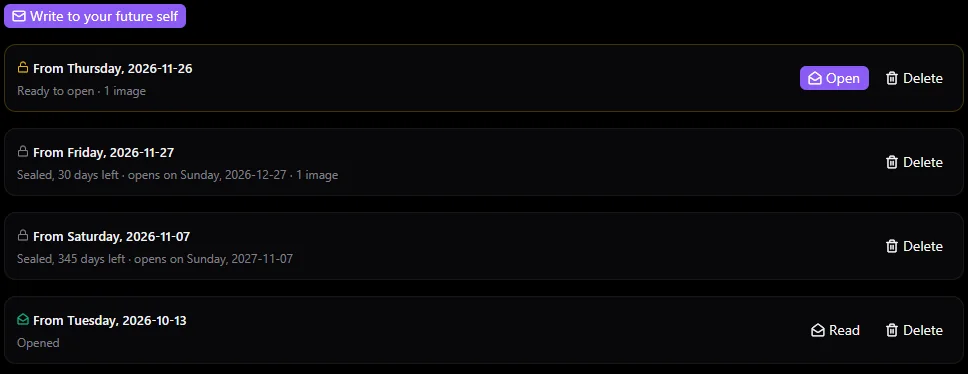
Open it
Click the Capsules tab on the Journal, or run New time capsule in the command palette to go straight to the form.
Seal a capsule
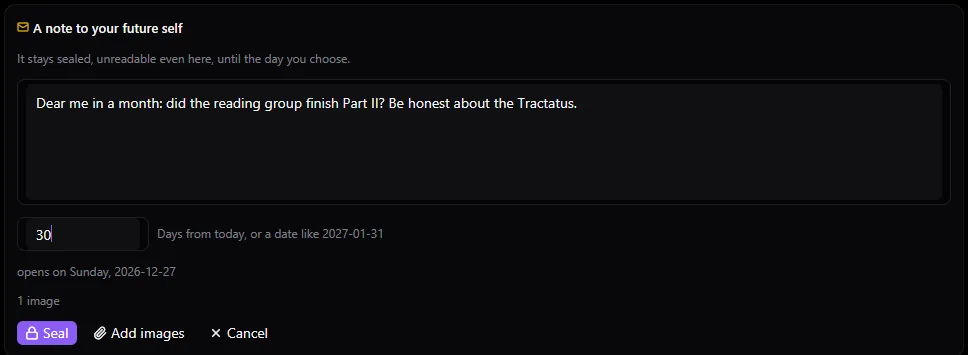
Write the note
Click Write to your future self. Write in "Dear future me…". "It stays sealed, unreadable even here, until the day you choose."
Add images (optional)
Click Add images and choose files. They are copied into your media folder; the form counts them ("2 images").
Choose the day
In the opening field, type a number of days from today (30) or a date (2027-01-31). "opens on …" confirms the day as you type.
Seal it
Click Seal. Cancel closes the form without sealing.
| Message | Fix |
|---|---|
| Write something (or add an image) first. | A capsule needs a note or an image. |
| Choose a day after today, as a number of days or a date like 2027-01-31. | The day must be from 1 day to about 20 years (7,305 days) ahead. |
While it is sealed
A sealed capsule shows only "From …" (the day you wrote it), "Sealed, N days left" and how many images it holds. Its note and images cannot be read anywhere in the app until the day comes.
Open it on its day
From its day on (a journal day starts at 04:00), the capsule reads Ready to open. Simulacra announces it once with a notice, "A time capsule is ready to open in your Journal.", and the Today tab lists it with Open.
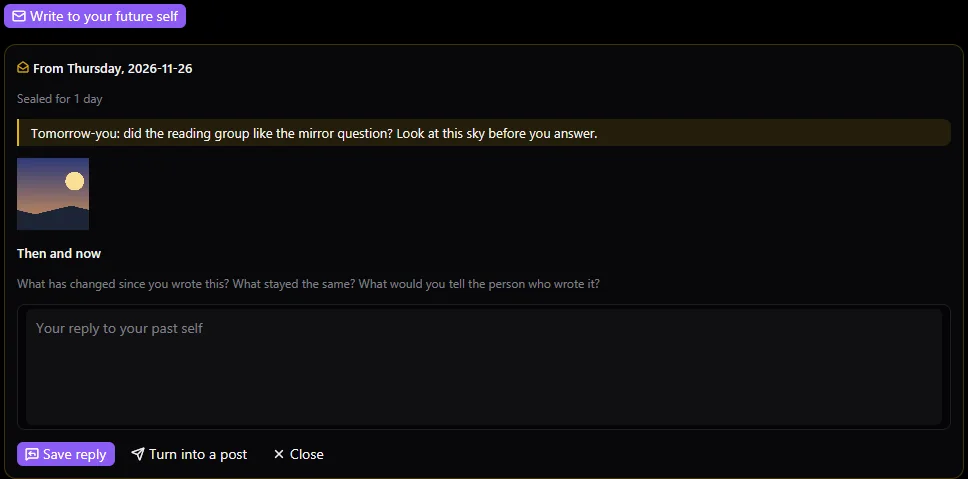
Open it
Click Open. The capsule shows when it was written, "Sealed for N days", the note and its images.
Compare then and now
Under Then and now: "What has changed since you wrote this? What stayed the same? What would you tell the person who wrote it?"
Reply
Write in "Your reply to your past self" and click Save reply. The reply is kept with the capsule.
Turn into a post opens the composer with the note. Close returns to the list, where an opened capsule offers Read (a quiet button: only a ready capsule's Open is filled).
Delete a capsule
Click Delete on its row. The confirmation warns: "The capsule and its letter are removed for good, sealed or not."
Empty state
No time capsules yet: "Write a note to the person you will be. It stays sealed until its day." with Write to your future self.