 Simulacra
Focus sessions
Name one thing to finish, run a timer, park distractions in the Inbox, and reflect on how it went.
A focus session is a timer with an intention. You say what you will finish, pick a length, and work; distractions go to the Inbox without stopping the clock, and focus mode hides everything else. At the end you say how it went in one line.
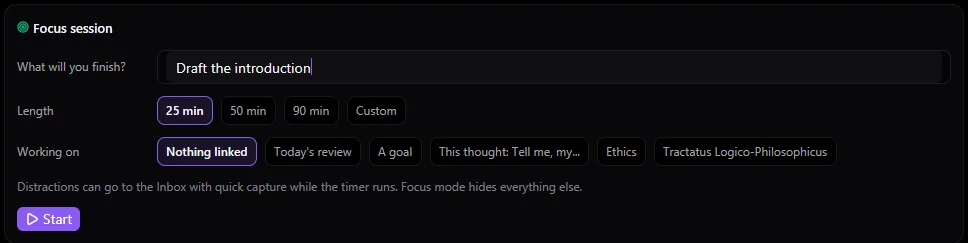
Open it
Click the Focus tab on the Journal, click Start a focus session on the Today tab, or run Start a focus session in the command palette.
Set up and start
Name the intention
Under What will you finish?, write "One concrete thing, e.g. draft the introduction". It is optional; a session without one is called Focus.
Pick a length
Under Length, choose 25 min (a pomodoro), 50 min (a deep block) or 90 min (an ultradian cycle), or Custom and type the minutes, 1 to 240.
Link what you work on (optional)
Under Working on, choose Nothing linked, Today's review, A goal (then type its name under Goal), the thought open in the inspector ("This thought: …") or one of up to three vault documents.
Start
Click Start. It is disabled while a custom length is missing or out of range.
While it runs
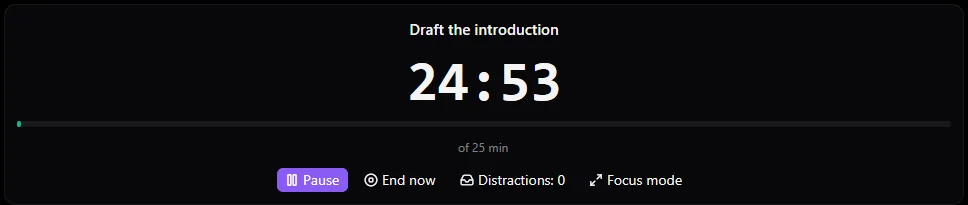
| Control | What it does |
|---|---|
| Pause / Resume | Stops and restarts the clock; the line under the bar reads Paused. |
| End now | Ends the session early and asks for the reflection. |
| "Distractions: N" | Opens quick capture so you can note the distraction in the Inbox; the session keeps running and the count goes up. |
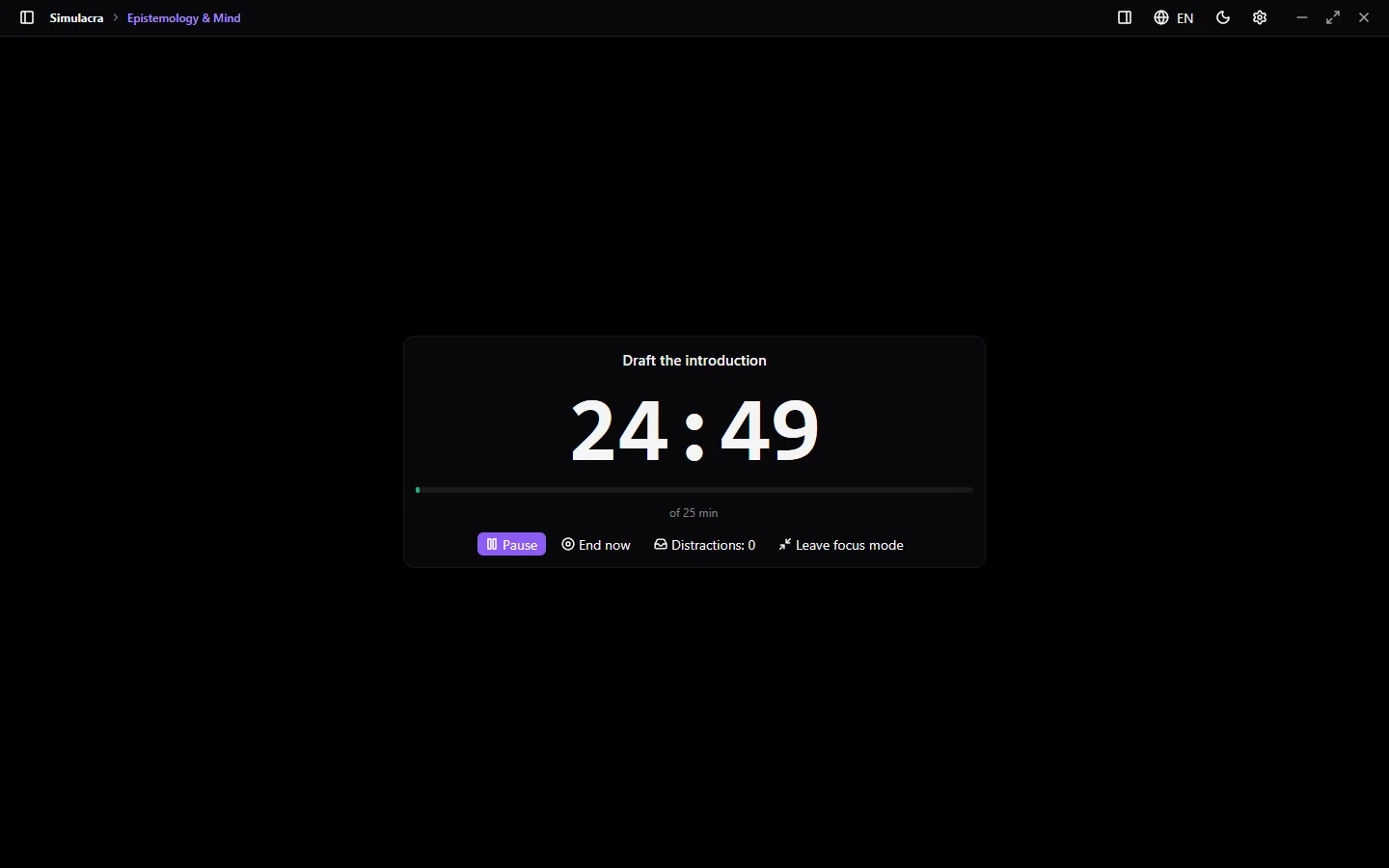
| Focus mode / Leave focus mode | Hides the feed and side panels and shows the timer alone, larger, in the middle of the window. |
The session ends by itself at its planned length. The clock is measured from the wall clock, so a slow repaint never loses time. If the computer sleeps for more than two minutes, the timer pauses at the moment it went to sleep and reads Paused while the computer was asleep, so the sleep is not counted as focus; click Resume to go on.
Reflect

When the session ends it is saved at once, then How did it go? asks for the outcome: "You focused for N of N minutes." Type one line in "One line: what happened?" and click Done, Partly or Not done (three equal buttons, so none nudges your answer), or Skip. Either way the form clears and focus mode switches off.
The session log
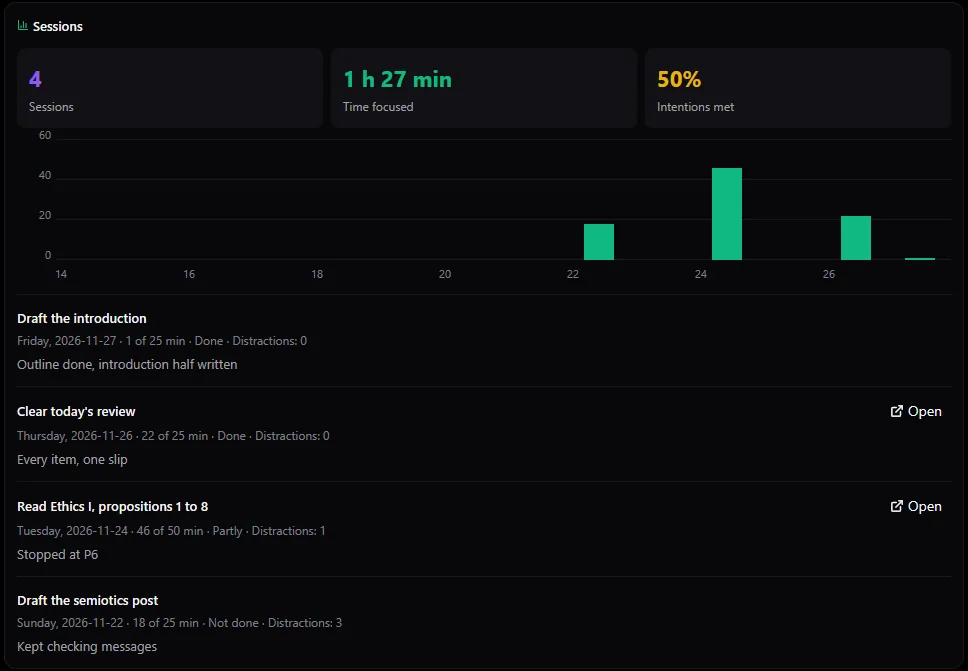
| Part | Shows |
|---|---|
| Sessions | How many sessions you ran, ended early or not |
| Time focused | Total focus time |
| Intentions met | Share of reflected sessions marked Done (None yet before any) |
| The chart | Focus minutes per day over the last 14 days |
| The list | The latest twelve sessions: intention, day, "N of N min", outcome (or No reflection), distractions, the reflection, and Open for a linked post, document or today's review ("Goal: …" for a goal) |
With no sessions the tab shows No focus sessions yet: "Name one thing to finish, pick a length and start. Your sessions and how they went collect here."
Tips and limits
- Focus minutes feed the associations on the Mood tab.
- The session stays private like the rest of the journal. Distractions you capture go to the Inbox like any quick capture.