 Simulacra
Import
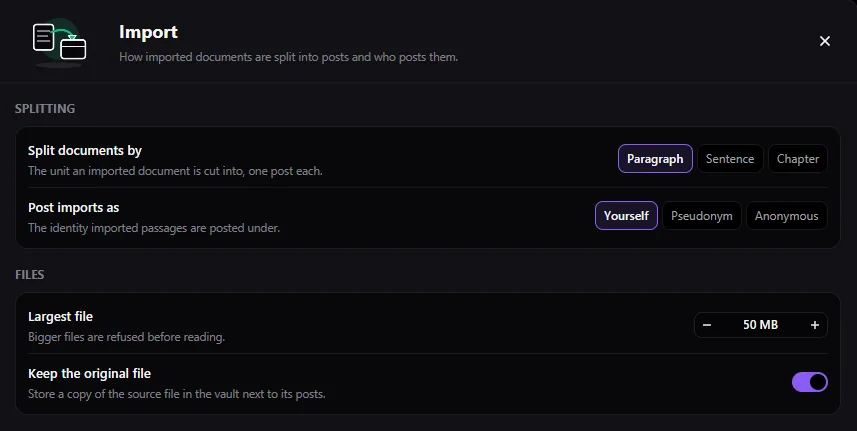
The defaults of the import sheet: the unit documents are cut into, who the posts are from, the largest file accepted and whether the original file is kept.
Import sets what the import sheet starts with when you bring a book, a PDF or any other file into the vault. You can still change the unit and the author in the sheet for each import.
SPLITTING
| Setting | Control | Options | Default | What it does |
|---|---|---|---|---|
| Split documents by | Chips | Paragraph, Sentence, Chapter | Paragraph | The unit an imported document is cut into, one post each. |
| Post imports as | Chips | Yourself, Pseudonym, Anonymous | Yourself | The identity imported passages are posted under. |
FILES
| Setting | Control | Range | Default | What it does |
|---|---|---|---|---|
| Largest file | Stepper (step 5) | 1 to 1,024 MB | 50 MB | Bigger files are refused before reading, with the file is …, larger than the … import limit. |
| Keep the original file | Switch | On | Store a copy of the source file in the vault next to its posts, in the media folder's imports folder. |
Passages are also cut to the post length limit.
Related
Learning
How many review items you answer a day, how many new ones join, the recall you aim for, the daily and weekly reminders, and the language you are learning.
Privacy & Data
See where your vault and media live, back up, export, seal or restore the vault, clear caches, and decide whether link previews are fetched and the journal is searchable.